

Python has become the language of choice for algorithmic trading. It is readable enough for beginners, powerful enough for professionals, and supported by a rich ecosystem of libraries for data analysis, indicator calculation, backtesting, and live execution. Whether you want to test a simple moving-average strategy or build a fully automated trading system, Python can support the full algorithmic trading workflow from idea and research to testing, deployment, and monitoring.
This step-by-step guide walks through the essentials: why Python suits algorithmic trading, how to set up your environment, how to build and backtest your first strategy with real code, and how to bridge the gap between coding and live deployment using AlgoBuild.
Why Python Is Perfect for Algorithmic Trading
Python is widely used for algorithmic trading because of its simplicity, readability, and vast library ecosystem. Packages like pandas, NumPy, and TA-Lib make data manipulation, indicator calculation, and strategy analysis straightforward, while matplotlib turns raw numbers into clear visual insights and yfinance provides easy access to historical market data.
Python also allows deep customization and integration with live market data, a flexibility many pre-built platforms lack. You can prototype a strategy, test it against years of history, and refine it, all within the same environment. For traders who do not want to code every variation manually, AlgoBuild works as a no-code trading strategy builder: describe even complex trading ideas in plain English and backtest the generated algorithm.
Traders comparing code-first development with natural-language strategy creation can also review the emerging vibe trading approach.
Whether the rules are implemented in code or a no-code builder, a structured trading strategy prompt can clarify the logic before implementation.

A handful of well-supported libraries cover most of the algorithmic-trading workflow, from data to indicators to visualization.
Setting Up Your Python Environment
A consistent Python setup ensures reliable backtests and prevents execution delays when you move to live trading. Three steps get you ready:
- Install Python & an IDE. Use Python 3.10+ together with VS Code or PyCharm.
- Install the core libraries. A single command installs everything you need to start:
pip install pandas numpy matplotlib TA-Lib yfinance- Download market data. Use yfinance or broker APIs to pull historical datasets for testing.
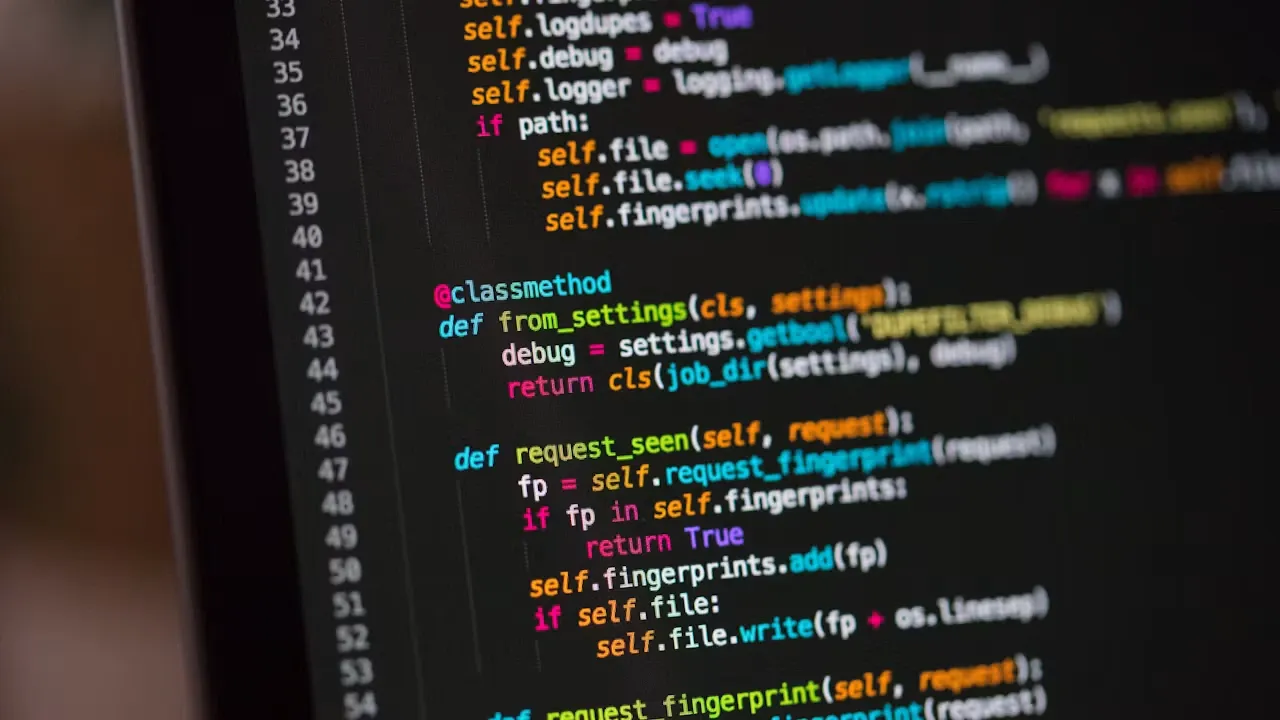
Why environment matters: mismatched library versions or missing dependencies are among the most common causes of broken backtests and unexpected behavior when moving from research to live trading. Lock your versions early.
Building Your First Trading Strategy
A great starting point is a moving-average crossover — a classic strategy that buys when a short-term average rises above a long-term average. First, define your entry and exit rules in code:
import pandas as pd
import yfinance as yf

data = yf.download("AAPL", start="2022-01-01", end="2023-01-01")
data['SMA_20'] = data['Close'].rolling(20).mean()
data['SMA_50'] = data['Close'].rolling(50).mean()

data['Signal'] = 0
data['Signal'][20:] = (data['SMA_20'][20:] > data['SMA_50'][20:]).astype(int)
This simple moving-average crossover captures a basic entry/exit logic: when the 20-period average crosses above the 50-period average, the strategy signals a long position.

A buy signal is generated when the faster SMA 20 crosses above the slower SMA 50.
From here, two steps refine the system. Backtest the logic to calculate profit, loss, and key metrics such as win rate and drawdown using pandas. Then optimize by adjusting the SMA periods or risk thresholds based on historical performance. For the broader process, follow the complete bot-building guide.
Pro tip: using Python alone requires manual coding for every change. AlgoBuild can automatically convert plain-language strategies into backtested algorithms that are ready to deploy live — saving time and reducing errors.
Backtesting Your Strategy
A trading strategy backtest evaluates how the rules would have performed on historical data before any capital is risked. Rather than judging a system by returns alone, review trading strategy performance metrics that describe both profitability and risk:
- Win rate — the percentage of profitable trades.
- Profit factor — total gains divided by total losses.
- Maximum drawdown — the biggest historical decline from a peak.
Visualizing price alongside your indicators makes trends and signals far easier to interpret. A few lines of matplotlib are enough:
import matplotlib.pyplot as plt

data['Close'].plot(label='Price')
plt.plot(data['SMA_20'], label='SMA 20')
plt.plot(data['SMA_50'], label='SMA 50')
plt.legend()
plt.show()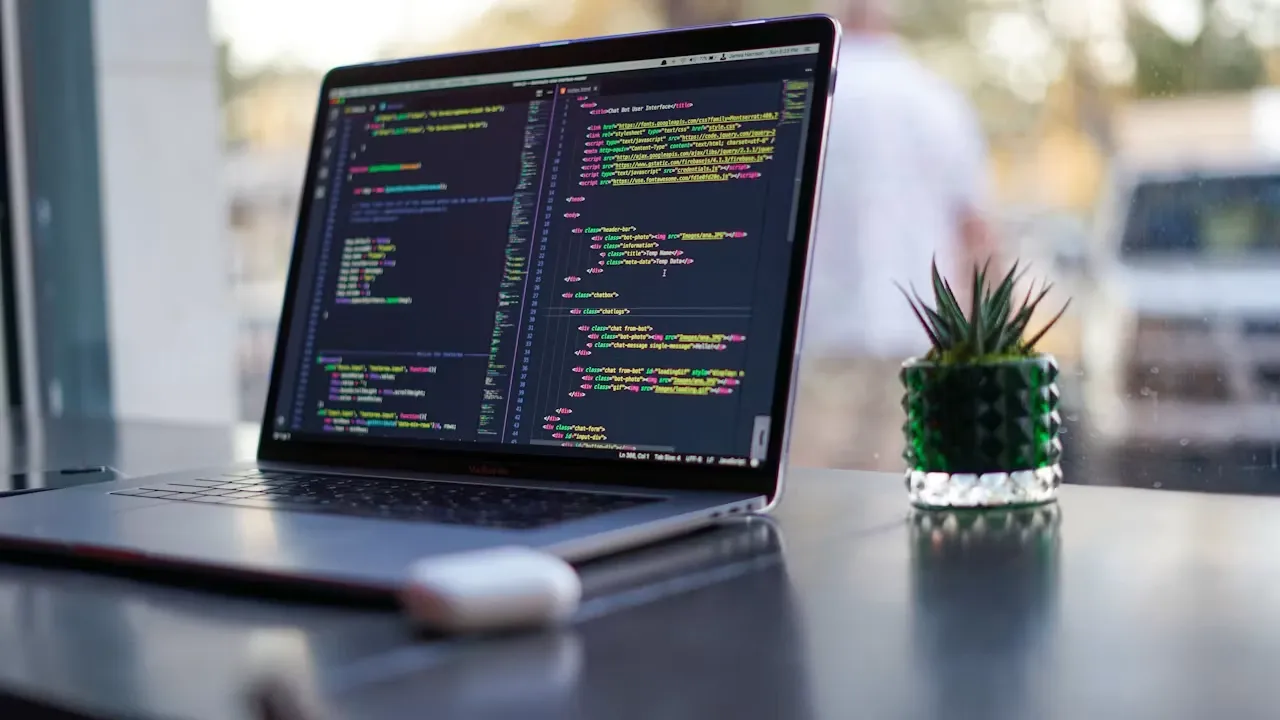
Backtesting is where many weak strategies are exposed, but it is only the first stage of a broader strategy validation process. If a system cannot survive historical data with realistic assumptions — including commissions and slippage — it is unlikely to perform in live markets.
Integrating Python with AlgoBuild
While Python offers maximum flexibility, moving from a working script to reliable live execution takes additional effort. AlgoBuild accelerates that final step by handling the heavy lifting between research and deployment:
- Convert strategy logic from plain English into executable code.
- Backtest automatically across multiple markets.
- Deploy live 24/7 with user-defined risk parameters.
This hybrid approach is ideal for beginners who want fast, reliable automation without deep coding knowledge — and for experienced developers who want to skip repetitive infrastructure work.

AlgoBuild bridges the gap between writing code and running a live, backtested strategy.
Advanced Trading Considerations
Once your first strategy works, several practices help scale from a single script toward a more robust trading operation:
Portfolio Diversification
Combine multiple strategies with low correlation to reduce overall portfolio risk. A single strategy can struggle in certain market conditions; a diversified set is generally more resilient. Position sizing, exposure limits, and drawdown thresholds belong to a broader algorithmic trading risk management framework.
Multi-Asset Trading
Apply your strategies across equities, crypto, forex, and commodities. Python’s data libraries make it straightforward to reuse the same logic across different markets.
Monitoring & Alerts
Track performance continuously and set alerts so you are notified when execution quality, drawdown, connectivity, or market conditions change. This matters because many trading bots fail after deployment through operational and monitoring breakdowns.
Conclusion and Next Steps
Python empowers traders to automate strategies efficiently, from data collection and indicator calculation to backtesting and visualization. Its readable syntax and mature library ecosystem make it the natural choice for both beginners and professionals.
Python supports code-first strategy development. AlgoBuild supports Plain-English strategy creation and backtesting, while AlgoRun handles continuous live execution with user-defined risk controls. Start simple: build a moving-average crossover, backtest it honestly, and only then consider moving toward live execution with realistic risk parameters.
Frequently Asked Questions
Is Python good for algorithmic trading?
Yes. Python is one of the most popular languages for algorithmic trading thanks to its readability and libraries such as pandas, NumPy, TA-Lib, matplotlib, and yfinance, which cover data handling, indicators, backtesting, and visualization.
Which Python libraries are used for algo trading?
Common choices include pandas and NumPy for data manipulation, TA-Lib for technical indicators, matplotlib for visualization, and yfinance for historical market data. Dedicated backtesting libraries can be added as your needs grow.
Do I need to know how to code to trade algorithmically?
Coding gives you maximum flexibility, but it is not strictly required. Tools like AlgoBuild let you describe a strategy in plain English and convert it into a backtested, deployable algorithm without writing code manually.
How do I backtest a strategy in Python?
Load historical data (for example with yfinance), define your entry and exit rules, simulate the trades over that data, and evaluate metrics such as win rate, profit factor, and maximum drawdown — ideally including realistic commissions and slippage.
Can a profitable backtest still fail in live trading?
Yes. Overfitting, unrealistic execution assumptions, and changing market conditions can all cause a strong backtest to underperform live. Comparing backtesting vs forward testing helps reveal how the strategy behaves on unseen and live-market data.
About the Author
The Algorier Research Team builds and researches algorithmic trading systems, Python-based quantitative workflows, backtesting frameworks, and AI-assisted strategy automation. This guide is part of a broader series on moving from trading ideas to validated, live-ready systems.